SAPI Installation Guide
- download the zip folder
- unzip the zip archive
- navigate to the folder
4. right-click on "setup.exe" and select "Run as administrator"

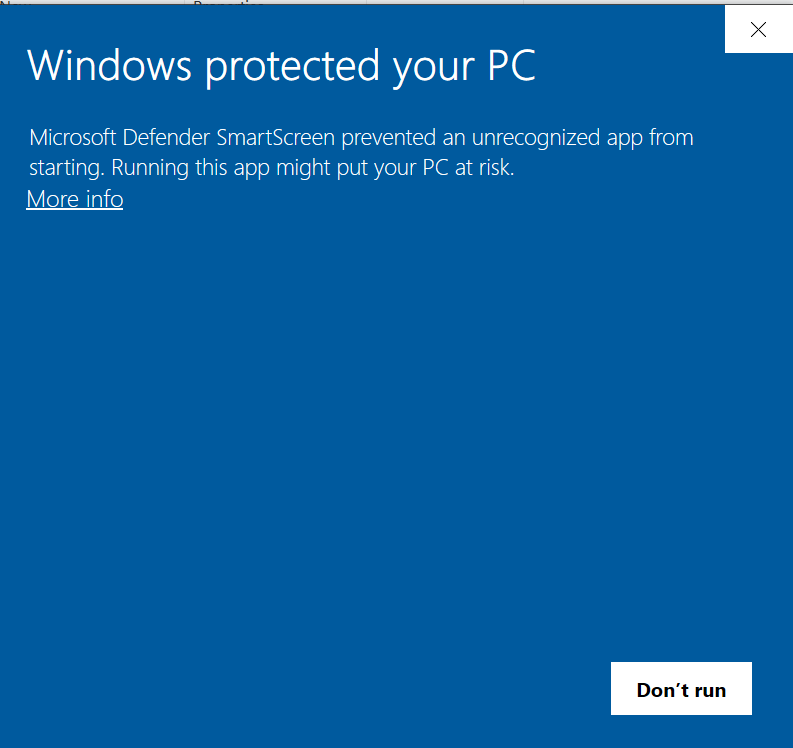
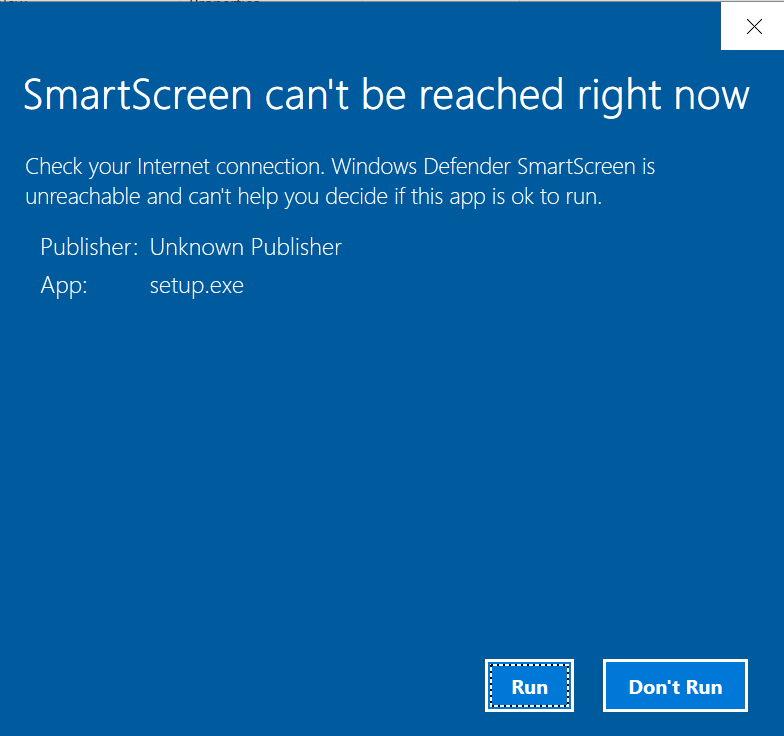
5. if presented with a warning, click on
- either "More info" and "Run anyway" (left image)
- or "Run" (right image)
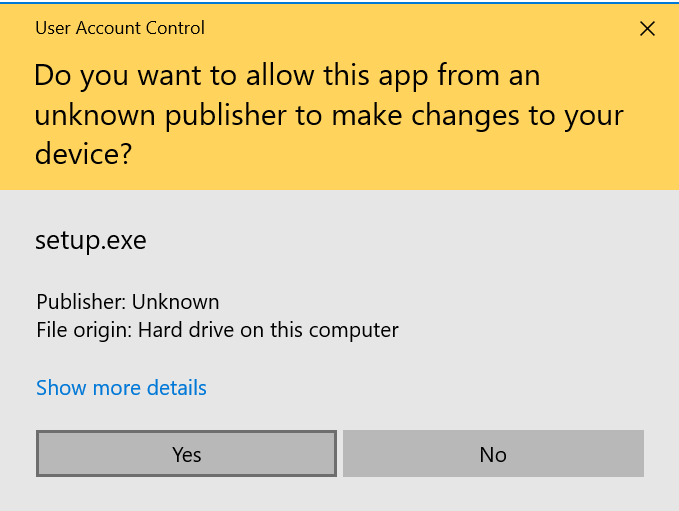
6. when the User Account Control dialog appears, click on "Yes"
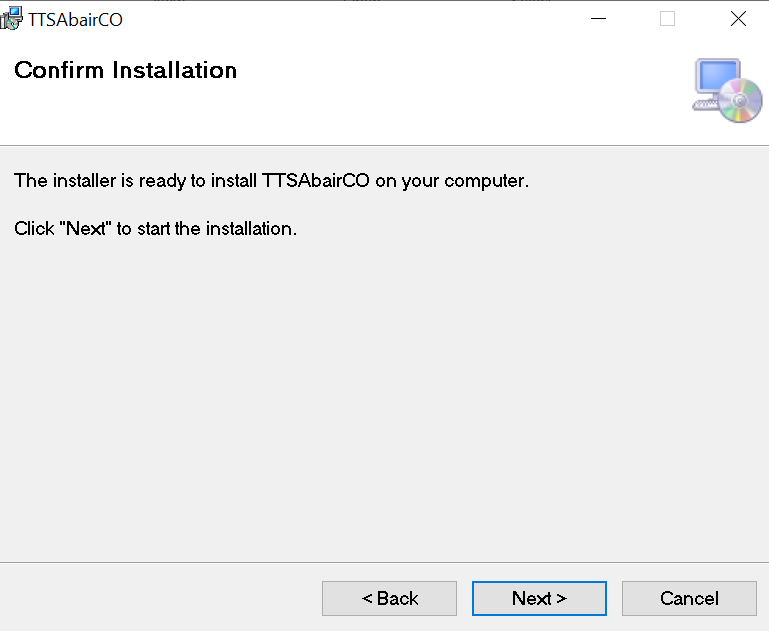
7. the installation dialog will appear.
- follow the instructions as outlined below
- don't change the recommended settings
follow the steps from left to right


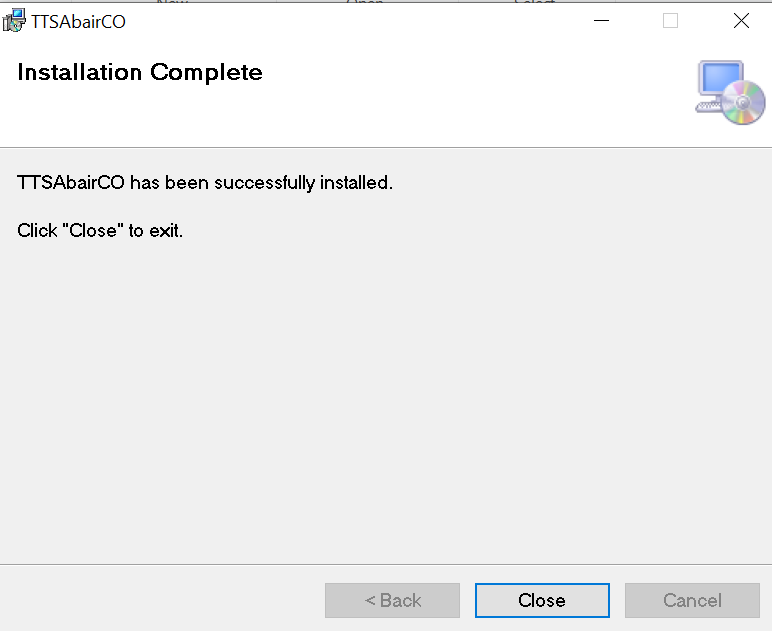
8. if the installation was successful, the SAPI voice will be available